
Console
The calm back office behind every conversation.
Configure, monitor and audit your customer support experience. Console keeps setup, statistics, chats, contacts and settings in one quiet place.
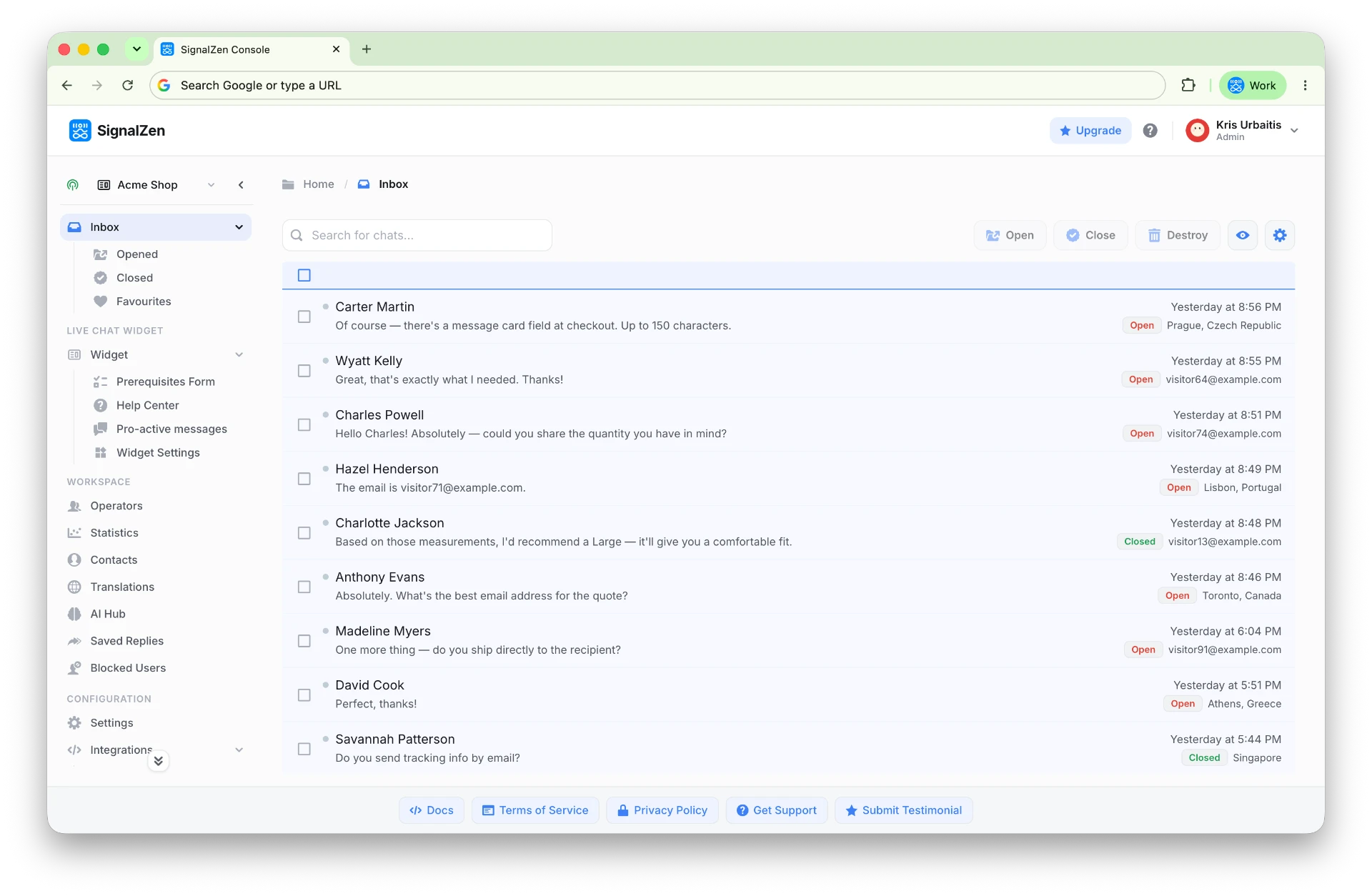
Integration wizards
Connect Slack, Teams, Live Chat or Email in a guided flow.
Console prepares a wizard for every integration we support, so connecting your tools is a few clicks rather than a project. Customer support should be an easy and simple process.
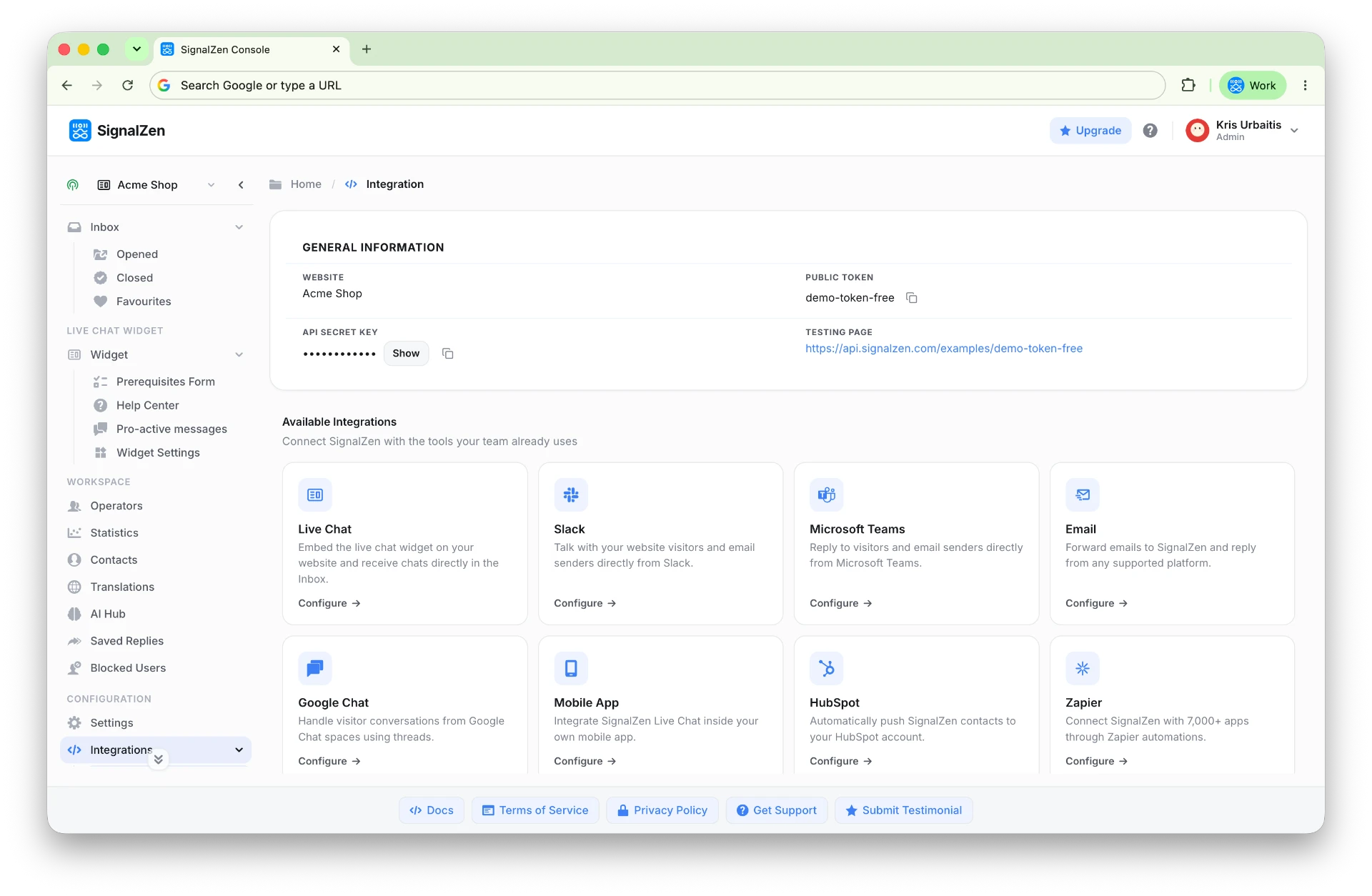
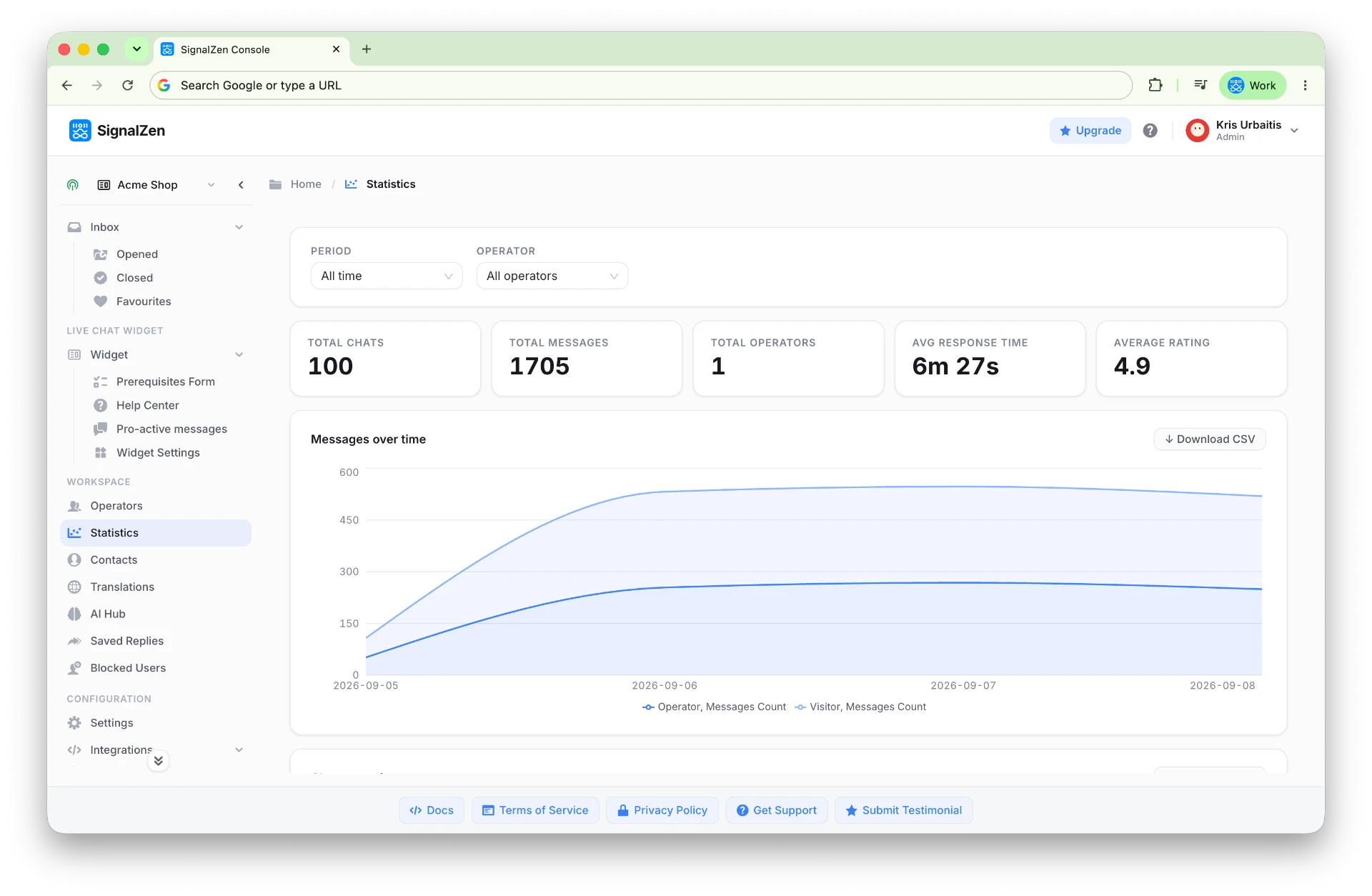
Statistics dashboard
Monitor performance with the metrics that matter.
Total chats, messages, operators, average response time and ratings over time. Improvement is impossible without knowing where to start — let your support KPIs show you.
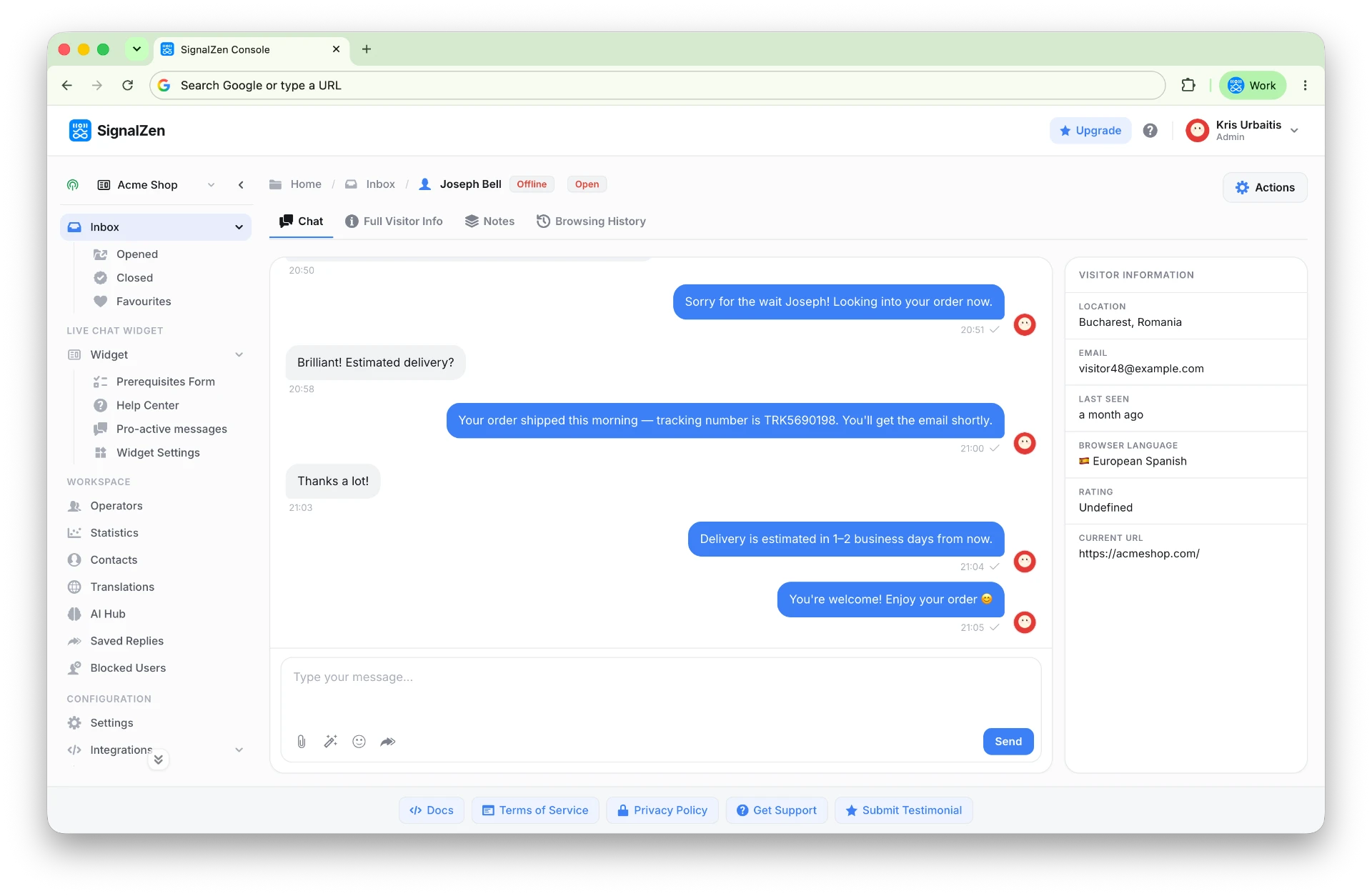
Chat straight from Console
Answer customers wherever you feel at home.
Slack and Microsoft Teams are a great deal — and Console works the same way. Choose your own comfortable way of chatting: Slack, Microsoft Teams, Google Chat, Console or mobile apps.
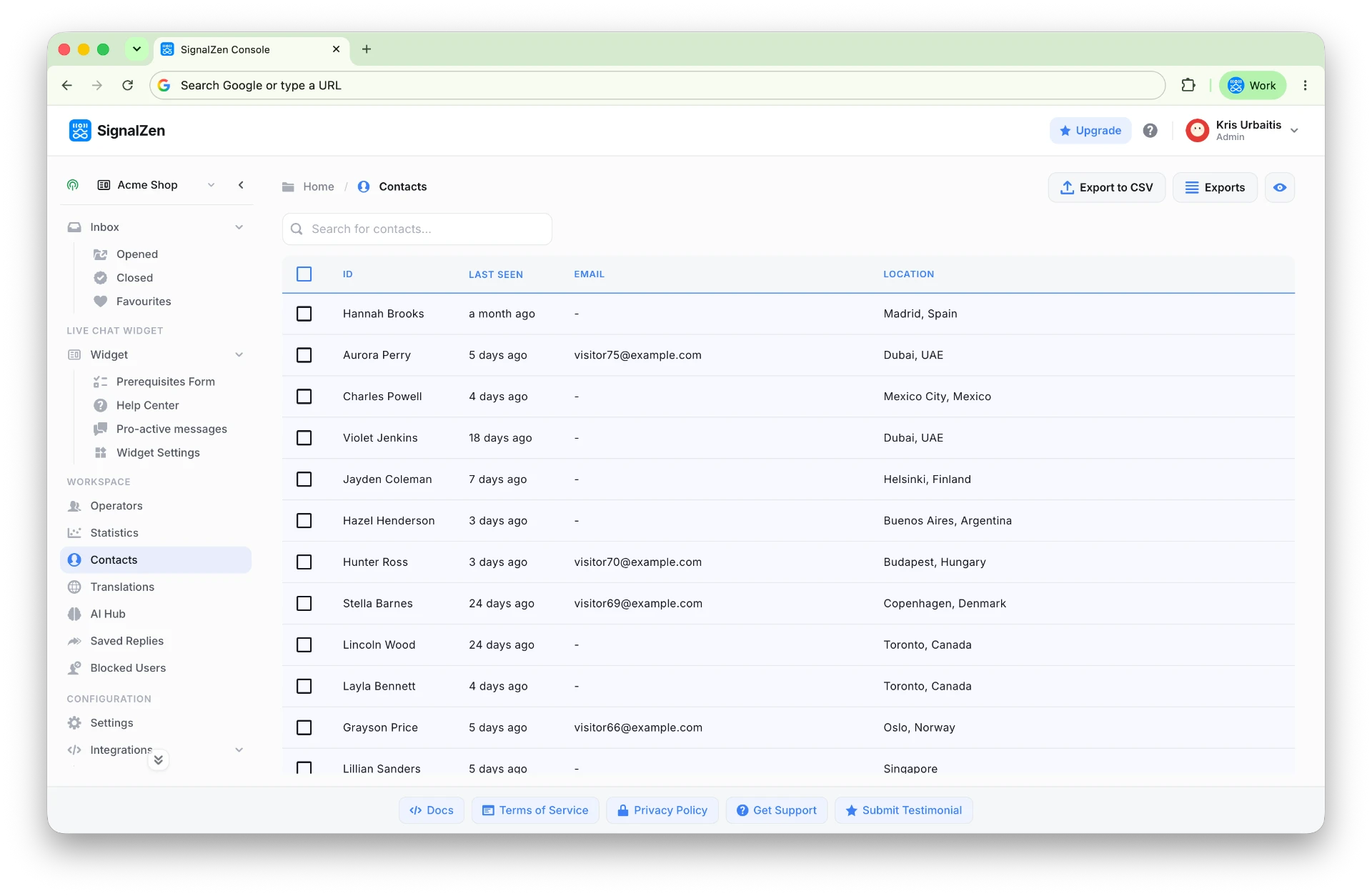
Contacts
Every conversation leaves you a contact.
View, search and export accumulated contacts. A CSV export or Zapier keeps SignalZen an integral part of your wider communications toolset.
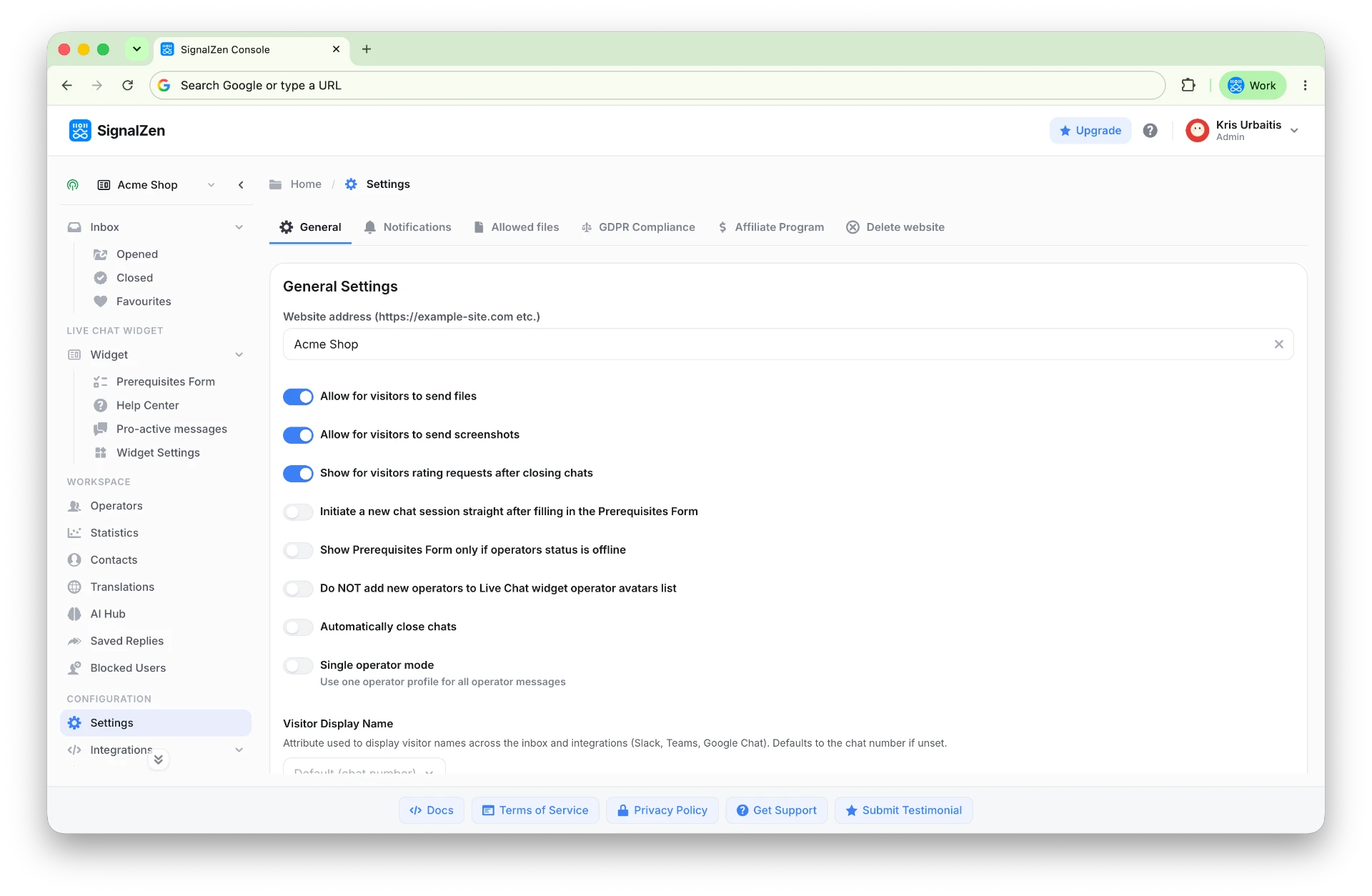
Settings
Decide how your support station should work.
Configure general and Live Chat widget settings with a simple UI — AI features, appearance, languages and behaviour. Control, monitor and engage through Console or the tools you already use.
FAQ
Questions small business owners ask us first.
What is the SignalZen Console?
Console is the back office of your customer support workstation. You configure integrations, monitor performance, chat with customers and manage contacts from one place.
Do I have to chat from Console?
No. Choose whichever way is comfortable: Slack, Microsoft Teams, Google Chat, Console or the mobile apps. Every conversation stays in sync.
Can I export my contacts?
Yes. View, search and export accumulated contacts as CSV, or push them into other tools through Zapier — without limitations.
Open your Console and set up support today.
Wizards for the setup, statistics for the improvement, your own team platform for the conversations.